
Connecting Keepr to your HMRC account
A one-time link-up that lets Keepr send your quarterly figures straight to HMRC. Takes about a minute, and you only need to do it once every 18 months or so.
Before Keepr can send your figures to HMRC for Making Tax Digital (MTD), you have to connect Keepr to your HMRC account. It's a one-time link-up that uses HMRC's own login page - you never give your password to Keepr. Once it's done, you can submit quarterly updates in a click.
What you need before you start
| Thing | Why |
|---|---|
| Your Government Gateway login | The username and password you use to sign in to HMRC on gov.uk. Keepr never sees it - you type it on HMRC's site. |
| Your National Insurance number | Nine characters, looks like AB123456C. Find it on a payslip, P60, or any tax letter. |
| Your self-employment registered with HMRC | If you've ever done a Self Assessment, you're registered. If not, register on gov.uk first - HMRC needs to know about the business before the link will work. |
How to connect
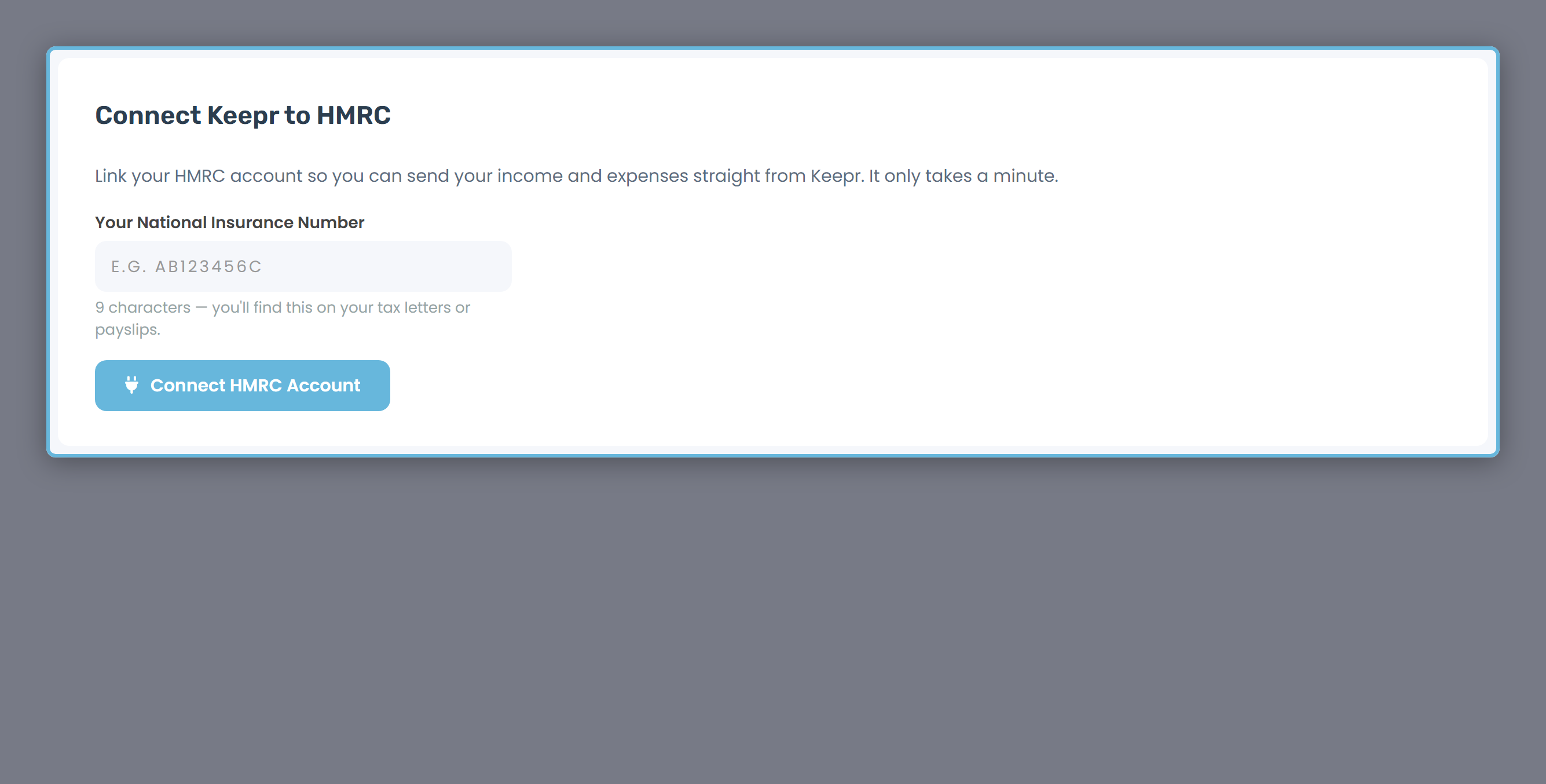
- Open the Tax page from the sidebar. If you've never connected before, you'll see a card titled Connect Keepr to HMRC.
- Type your National Insurance number (e.g.
AB123456C) into the box. Keepr stores it encrypted.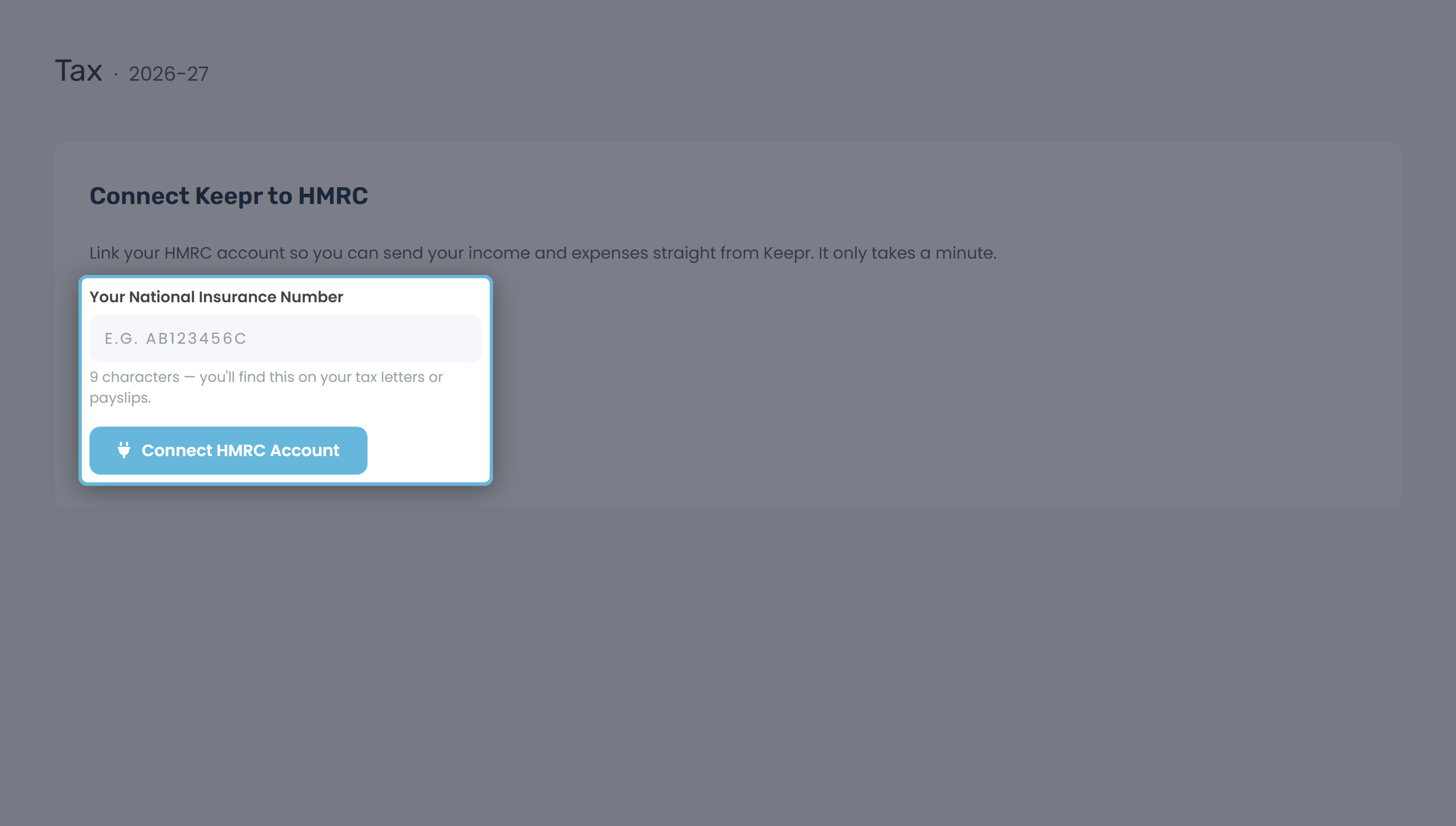
- Click Connect HMRC Account. Keepr saves the NI number and hands you over to HMRC.
- On HMRC's site, sign in with your Government Gateway ID and password - this is the real HMRC, not Keepr.
- HMRC asks if you're happy for Keepr to read and send your Self Assessment data. Click Grant authority. HMRC sends you back to Keepr automatically.
- Keepr finishes the handshake and shows a green HMRC account connected banner. Done.
What Keepr stores
Once you're connected, Keepr holds a small bundle of details so it can talk to HMRC on your behalf. Everything is encrypted at rest:
| What | Why it's there |
|---|---|
| Your NI number (encrypted) | Identifies your tax record on every HMRC call. Shown masked in Keepr, e.g. AB****56C. |
| Your HMRC Business ID | HMRC's reference for your self-employment business. Picked up automatically after you grant authority. |
| A secure access token (encrypted) | Stored so Keepr can talk to HMRC on your behalf without asking you to log in again. |
| A short-lived access token (encrypted) | Keepr renews it for you - you'll never notice it expire. |
| The date you linked | Shown on the connection card so you can see when the link was made. |
Keepr also sends HMRC the technical fingerprints it requires - your device type, screen size, timezone, IP. HMRC uses these to spot suspicious activity; nothing in there identifies you beyond what HMRC already has.
Where to see and manage the connection
Once connected, the Tax page shows a quiet status card near the bottom - your masked NI number, your HMRC Business ID, the date you linked, and a Disconnect HMRC button. The same controls also live in Settings → MTD / HMRC.
How long does the connection last?
HMRC's access token lasts around 18 months. So this is a setup you'll only redo every year and a half or so. In between, Keepr re-authorises itself automatically - you won't see anything - you won't see anything.
When the 18 months are up, Settings → MTD / HMRC will show a banner saying Your HMRC connection has expired. Your NI number is pre-filled, and clicking Connect HMRC Account again redoes the same flow.
Disconnecting
Switching software or finished with MTD? Click Disconnect HMRC on the Tax page or in Settings. Keepr wipes the access and refresh tokens immediately. Your NI number stays on file so reconnecting later is a single click.
Free or Pro?
Connecting to HMRC isn't a paid feature. Free and Pro users get the same MTD support - quarterly updates, final declaration, all of it. Pro adds automation features that have nothing to do with HMRC (recurring invoices, auto reminders, advanced reports); MTD itself sits on the Free plan, by design.