
Sending a quarterly update through Keepr
What HMRC asks for, what Keepr shows you, and what happens when you click Confirm.
Once you're connected to HMRC, sending a quarterly update through Keepr is a two-click job: open the MTD page, click Submit Q1 (or whichever quarter is due), review the totals Keepr has worked out for you, then click Confirm & Submit to HMRC. Keepr does the rest - it lines up the right figures, talks to HMRC, and saves a record so you can see exactly what was sent.
The four UK MTD quarters
HMRC splits the UK tax year (6 April to 5 April) into four fixed quarters. You send one update per quarter, plus a final declaration after the year ends. The same dates apply every year, for every sole trader on MTD.
| Quarter | Period | Deadline |
|---|---|---|
| Q1 | 6 April - 5 July | 7 August |
| Q2 | 6 July - 5 October | 7 November |
| Q3 | 6 October - 5 January | 7 February |
| Q4 | 6 January - 5 April | 7 May |
You always have just over a month after the quarter closes to send the update. Miss the deadline and HMRC counts it as overdue - Keepr will mark the quarter in red until you submit.
What "cumulative" means (read this first)
Every quarterly update is cumulative - a running total of your income and expenses since the start of the tax year, not just the quarter you're submitting. Q1 covers Q1. Q2 covers Q1 + Q2. Q3 covers Q1 + Q2 + Q3. Q4 covers the whole year. This is the bit that makes corrections easy: if you spot a missing receipt after submitting Q2, the next quarter (or the final declaration) automatically carries the corrected total - you don't have to redo Q1 or Q2.
Where to find the submit button
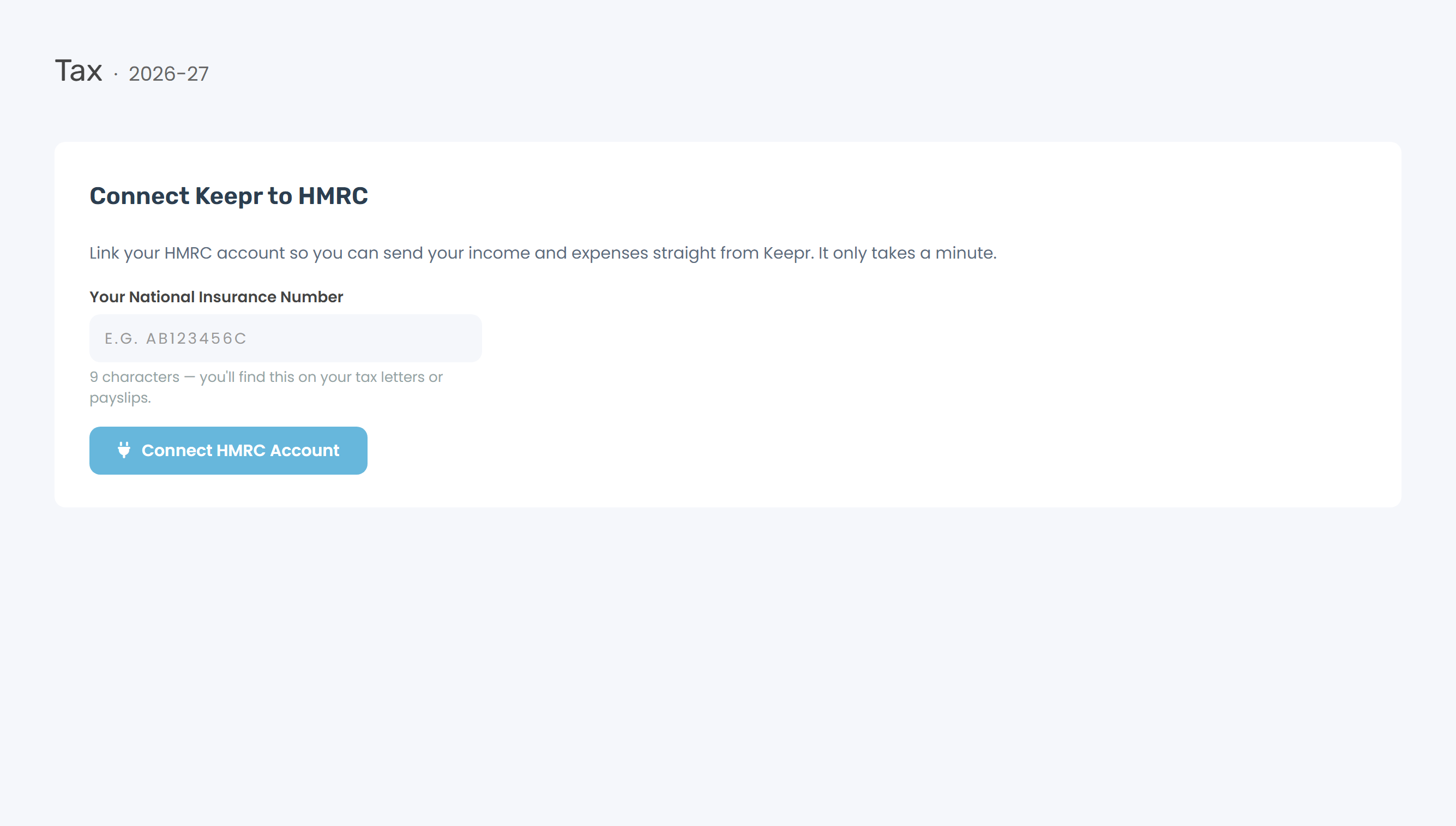
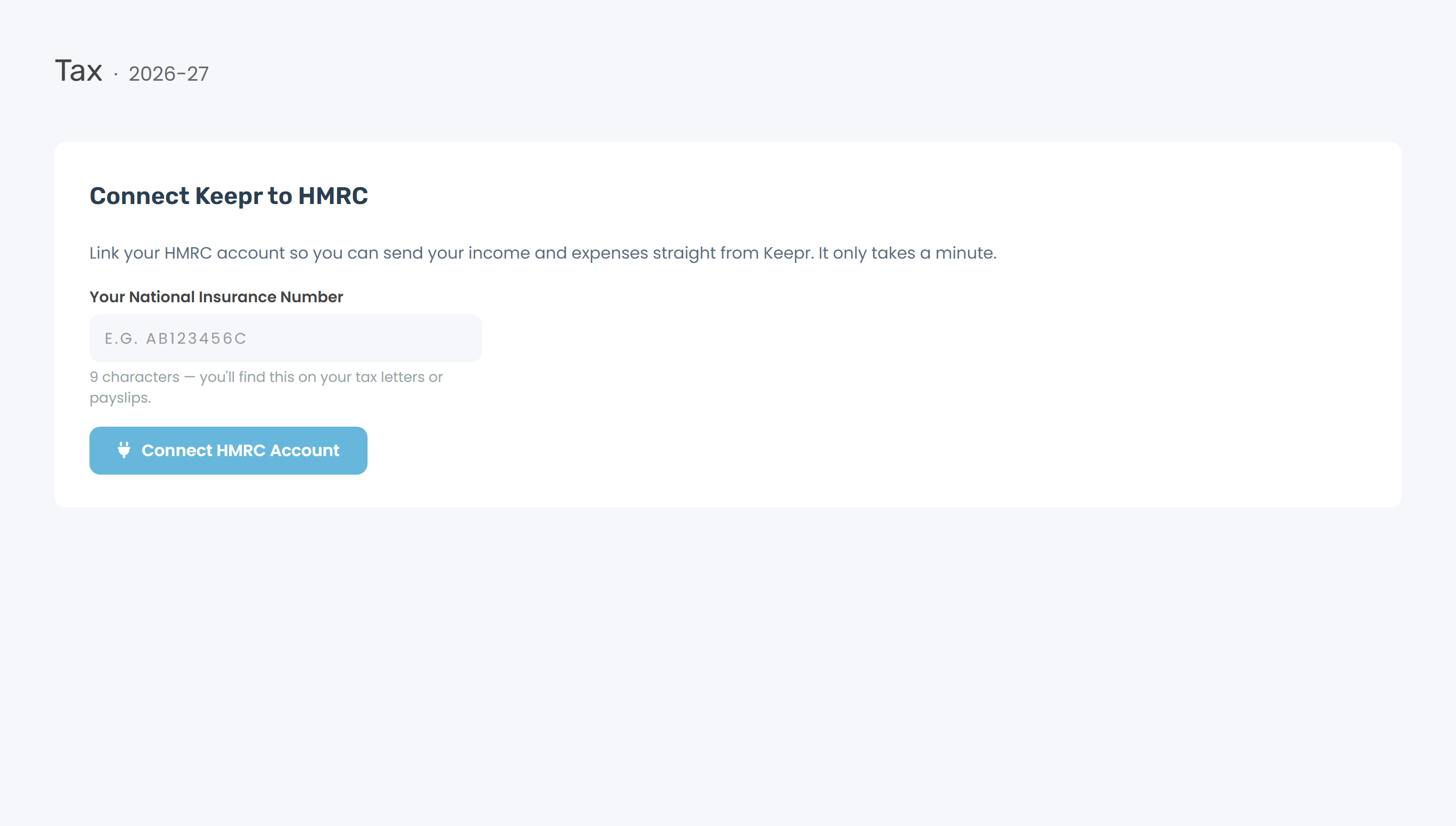
- Open MTD from the sidebar. (Not connected to HMRC yet? Start with Connecting Keepr to HMRC.)
- The hero card at the top shows your next step. When a quarter is due, coming up, or overdue, it shows the period, the deadline, and a Submit QN button. Click it.
- Or use the Year at a glance strip below - click Submit → on any current or overdue pill. Same result.
Review the figures before sending
Clicking Submit opens the Send Update to HMRC window. Nothing has gone to HMRC yet - this is your chance to check the numbers. Keepr shows the year-to-date totals from your records:
| Line | What it adds up |
|---|---|
| Turnover | Your paid invoices, plus anything on the Income page whose category counts as business turnover. Unpaid invoices are not counted - MTD uses cash basis, so an invoice does not count until the money arrives. Keepr shows the split underneath the figure. |
| Other business income | Money that is business income but not takings - a grant, or rent from letting out your business premises. You set this on the category itself. Bank interest and UK dividends are not business income at all, so they are left out of this update and Keepr tells you when it has done that. |
| Expenses | Your total expenses in the period - the gross figure, including any VAT you've recorded. |
| Net profit | Turnover + other income − expenses. Shown so you can sanity-check the number, but it's not sent as a separate figure; HMRC derives it from the others. |

Underneath the table, Keepr lists how many invoices, other-income entries, and expenses fed into the total, and the period's start and end date. If anything looks off, click Cancel (nothing is sent), fix the records, and reopen the modal - the figures recalculate each time.
Click Confirm - what actually happens
When you click Confirm & Submit to HMRC, three things happen in the next couple of seconds:
- Keepr sends the totals to HMRC. You'll see "QN sent to HMRC." as a green toast.
- The quarter's pill in the Year at a glance strip turns green and shows the turnover figure. Keepr saves the submission record - figures, period, and HMRC's reply.
- Keepr locks every record inside the period - invoices by the date they were paid, other-income and expenses by their date. Edits keep an audit trail and deletes are blocked - HMRC's digital records rule. You can still fix typos; you just can't make records disappear.
I spotted a mistake after submitting
Two routes, depending on when you find it.
If the next quarter is still ahead: just fix the record in Keepr. The next submission's cumulative total will carry the correction to HMRC - no need to redo the quarter you've already sent.
If you want to push the correction straight away: resubmit the quarter directly. Step-by-step in Editing a quarterly update.
Pro vs Free
MTD works the same on Free and Pro. Same submit flow, same scope, same record-lock behaviour. Quarterly updates aren't a paid feature.